
Duplicate an event
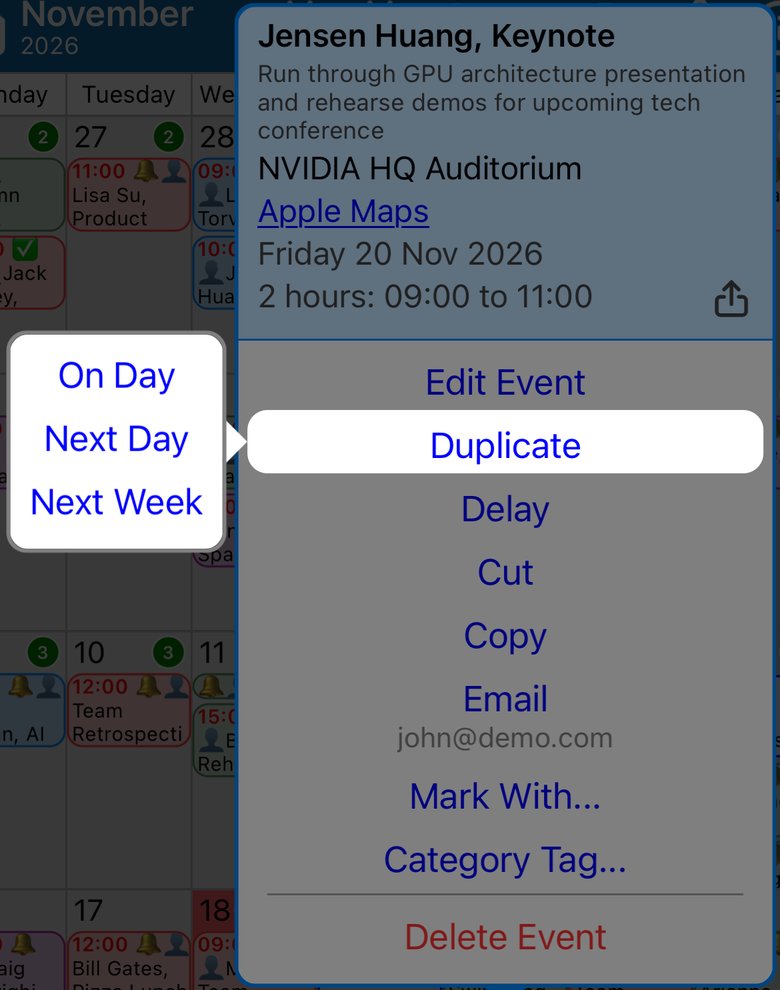
- Touch and hold the event.
- Tap Duplicate.
- Choose where the copy goes: On Day (the same day), Next Day or Next Week.
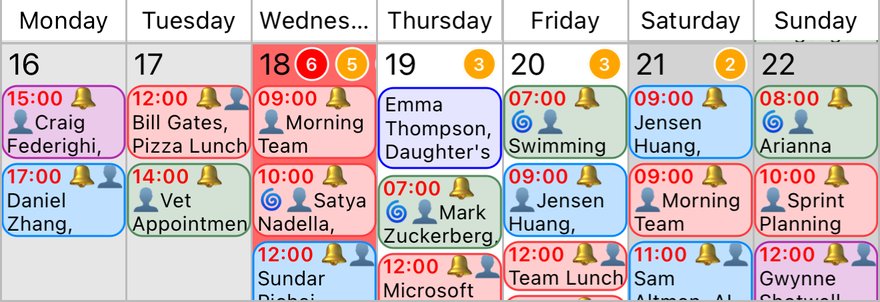
The copy keeps the event's time, length and details. Here it was duplicated onto the next day.
To put a copy on any other day, use copy and paste.
More app how to guides.