
Switch the month view to a working week
The month view can show just the working week, Monday to Friday, so each weekday gets more room for its events. One tap switches between the two.
Show the working week
- Open the month view.
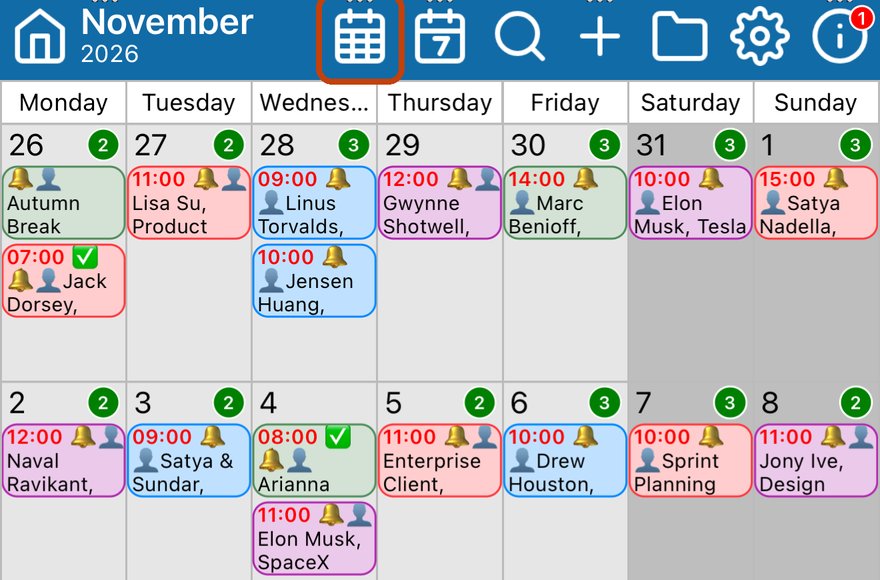
- Tap the Month button (the calendar grid) in the toolbar again.
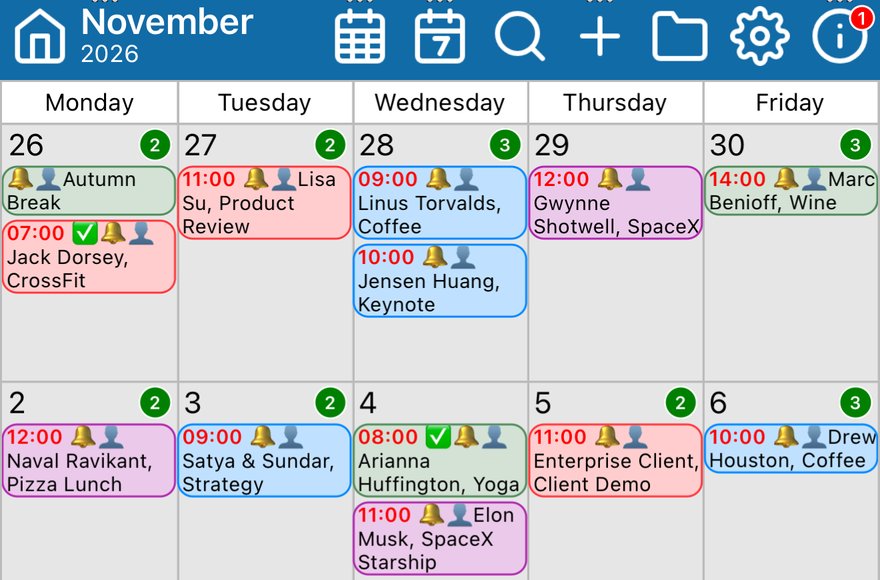
Saturday and Sunday are hidden and the weekdays widen to fill the screen.
Show the full week again
- Tap the Month button again. Each tap switches between the working week and the full week.
- Touching and holding the Month button does something different: it switches to a month view you can scroll through week by week. Touch and hold it again to switch back.
Good to know
- To choose which layout the month view starts with, go to Settings > Month View.
More app how to guides.