
Add calendar widgets to your Home Screen
There are two widgets:
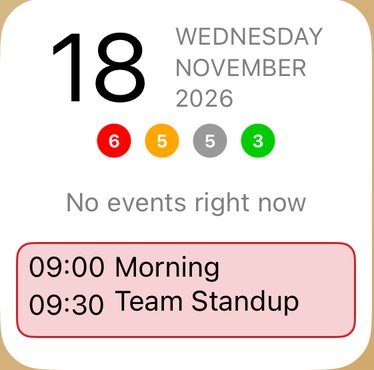
- Now & Next (small) shows today's date, your current or next event and today's task counts.
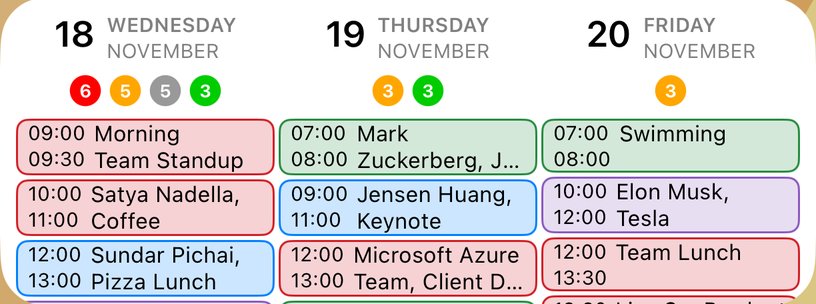
- Today & Beyond (medium) shows your events for the next few days. It needs iOS 17 or later.
Add a widget
- On your Home Screen, touch and hold an empty space until the apps jiggle.
- Tap Edit at the top left, then Add Widget. On iOS 17 or earlier, tap + at the top left.
- Search for your calendar app's name and tap it.
- Swipe to the widget you want and tap Add Widget.
- Drag it where you want it, then tap Done.
Choose what a widget shows
- Touch and hold the widget.
- Tap Edit Widget.
- Change the options, then tap outside the widget.
- Now & Next: Text Size (Small, Medium or Large).
- Today & Beyond: how many Days to show (1 to 5), whether to show Task Counts and Event Times, and Text Size.
The widgets leave out any calendars you have hidden in the app, so they always match what you see there.
More app how to guides.