
Show events older than a month
Your iPhone may only keep events from the last few weeks or months, so older events don't appear in any calendar app. You can change this in your iPhone's settings.
- Open the Settings app.
- Tap Apps, then Calendar. On iOS 17 or earlier, tap Calendar.
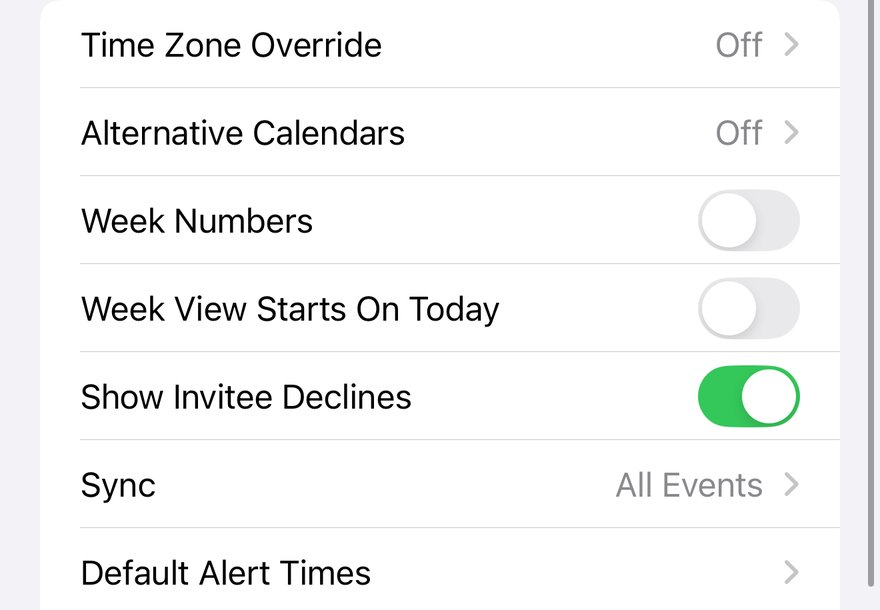
- Tap Sync.
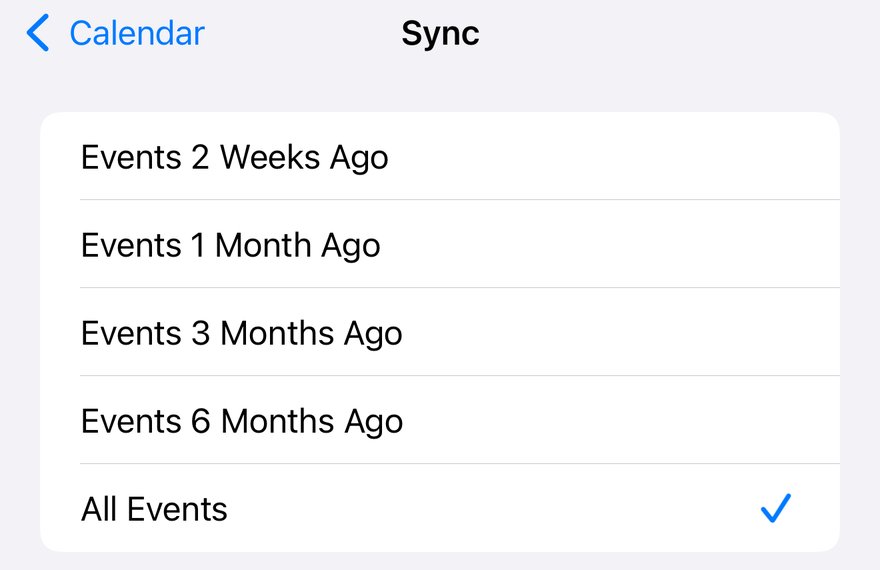
- Choose All Events to keep every past event, or Events 6 Months Ago to keep six months.
Older events can take a few minutes to download. Keeping every event uses a little more storage.
More app how to guides.