
Share an event with others
You can send an event's details to anyone, even if they use a different calendar. They get the title, date, time and location as a message.
- Touch and hold the event in any view.
- Tap the share button (the square with an arrow) at the bottom right of the event's details.
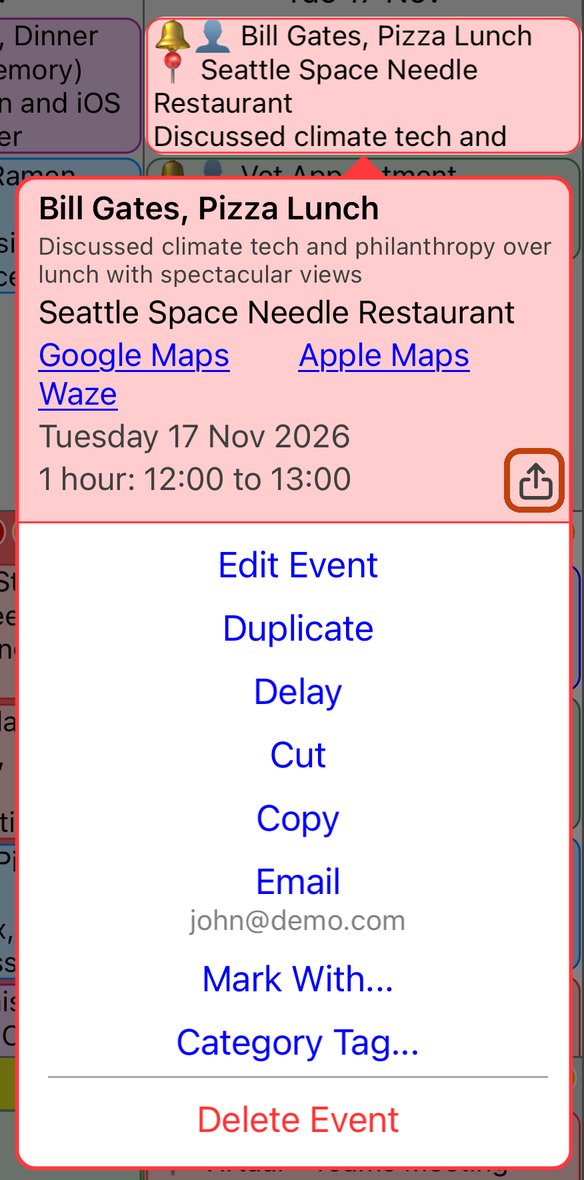
- Choose how to send it: Messages, Mail, WhatsApp or any other app on your iPhone, or Copy to paste it anywhere.
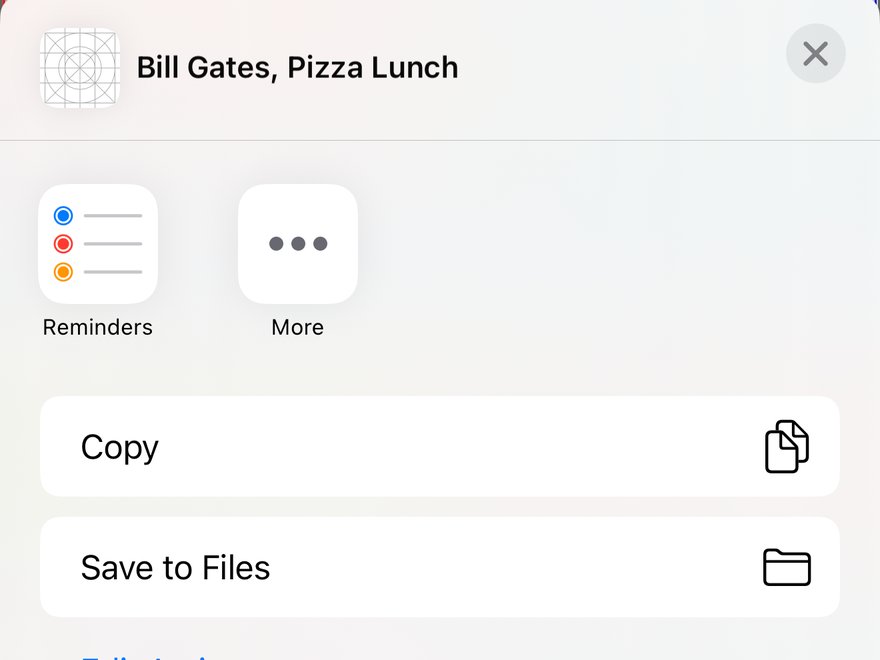
The message includes the event's title, its date and time, and its location. When you share by email, the event's title becomes the subject.
Good to know
- The apps offered depend on what is installed on your iPhone. The screenshot shows only a few.
- To invite people so the event appears in their own calendar, add them as invitees when you edit the event instead.
More app how to guides.