
Show today's date on the app icon
Your calendar's app icon can show today's date as a badge, which changes at midnight.
- Tap the Settings button (the cog) in the toolbar.
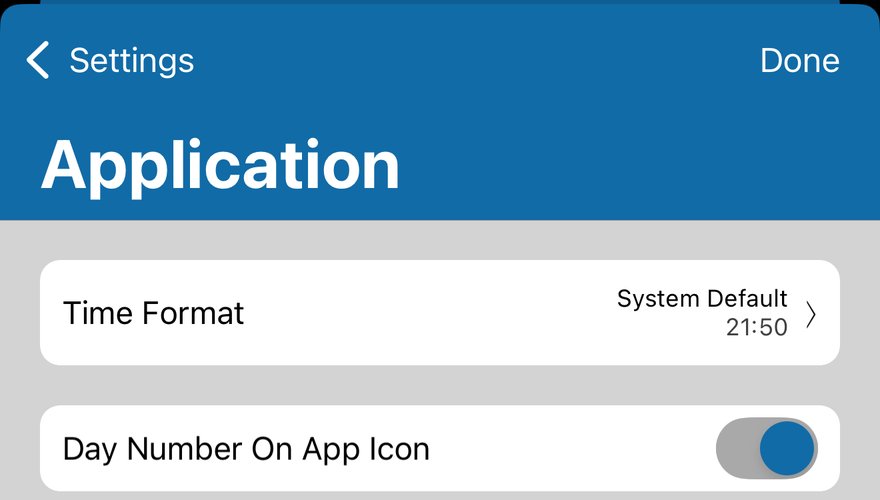
- Tap Application.
- Switch on Day Number On App Icon.
- If your iPhone asks whether the app can send notifications, tap Allow. The date is shown as a notification badge, but no notifications appear.
If the date doesn't appear
- Open the Settings app, tap Apps, then your calendar app, then Notifications. Check that Allow Notifications and Badges are on.
- A Focus can hide badges. In Settings > Focus, choose the Focus, tap Options and check Hide Notification Badges.
- The date updates by itself for 10 days. Open the app at least once every 10 days to keep it right.
More app how to guides.