
Add an alert to an event
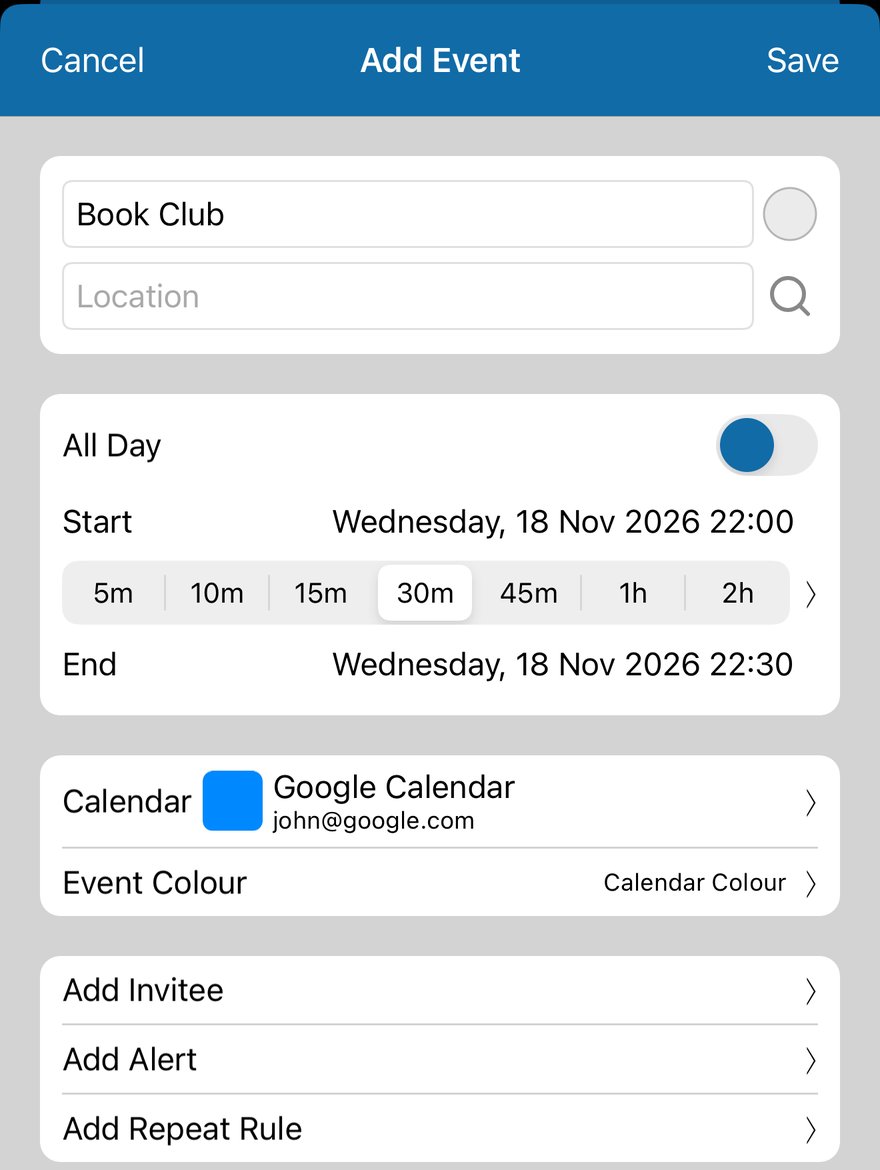
- Tap + in the toolbar to add an event, or tap an event to edit it.
- Tap Add Alert.
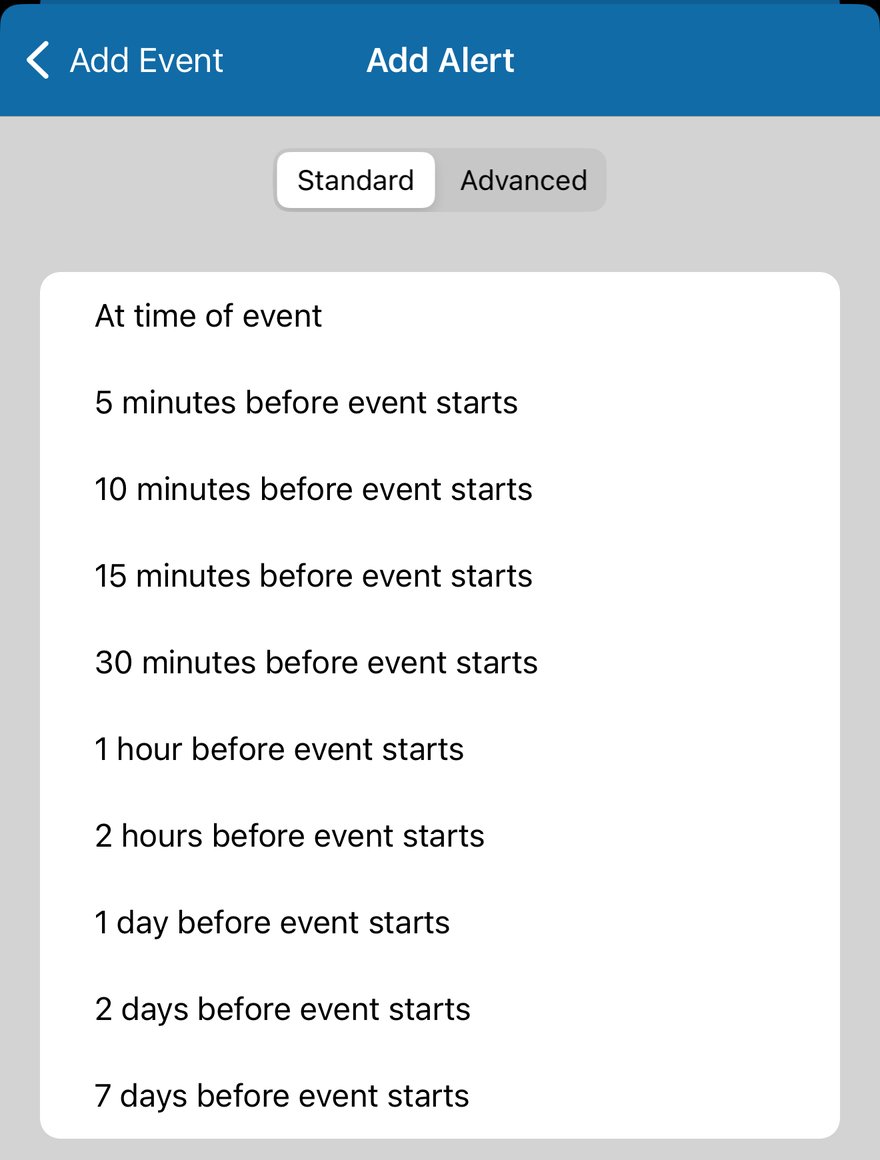
A standard alert
Tap one of the times. It is added straight away.
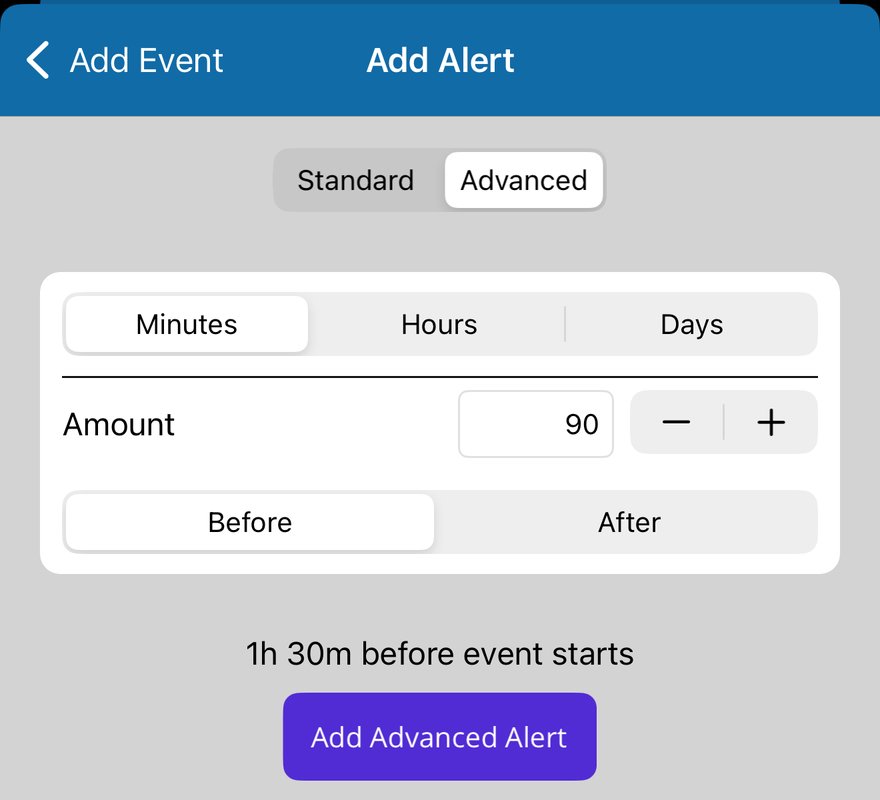
An alert at any time
- Tap Advanced.
- Choose Minutes, Hours or Days, then type the Amount or use - and +.
- Choose Before or After the event starts. The line underneath shows the result.
- Tap Add Advanced Alert.
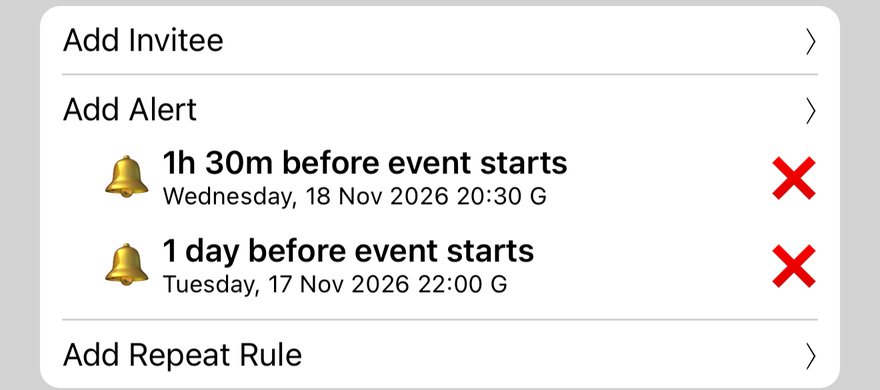
Check and save
Each alert shows on the event with the time it will go off. Add as many as you like, and tap ✕ to remove one. Then tap Save.
More app how to guides.